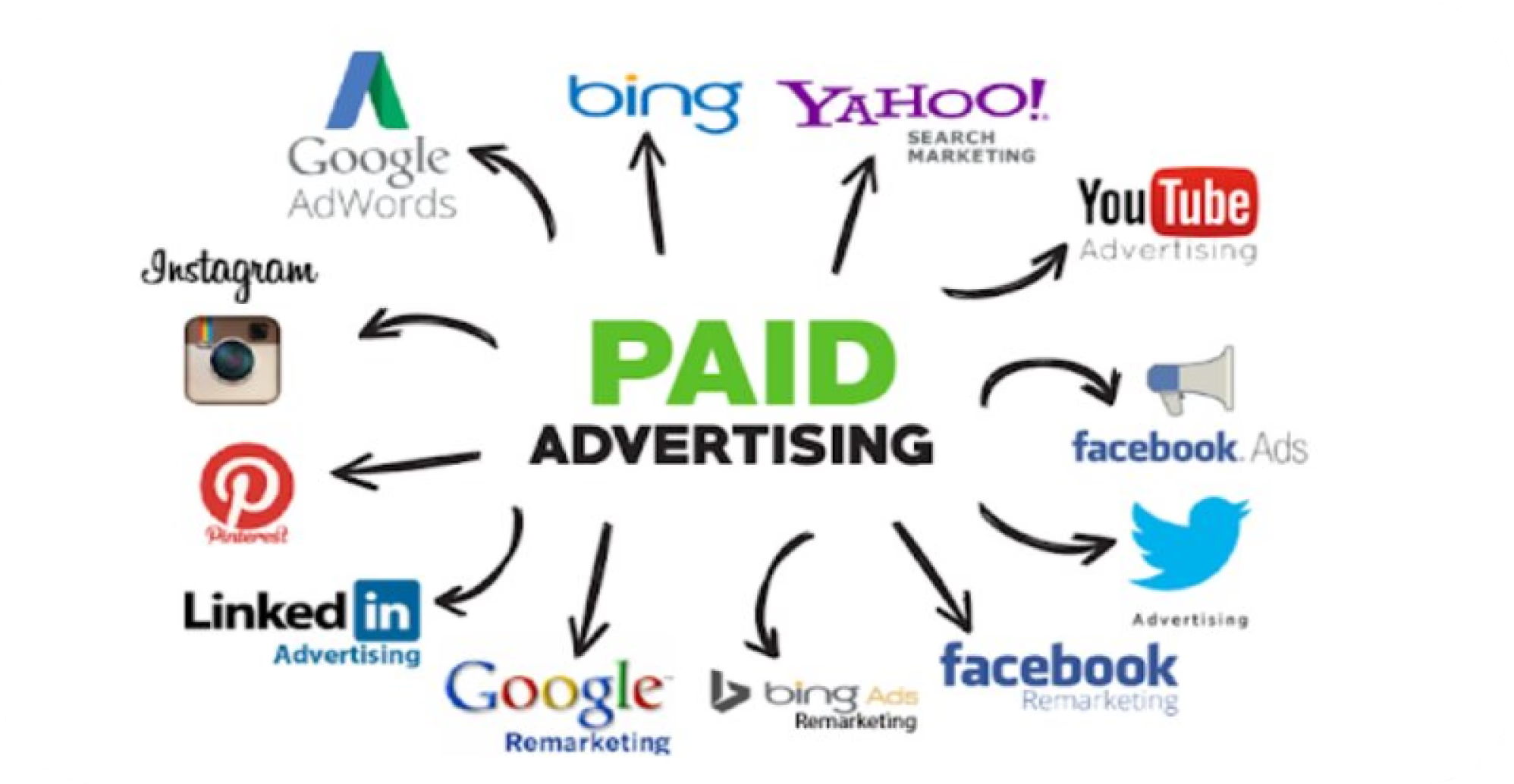
Whether you are launching your very first ad campaign or trying to make sense of your monthly marketing reports, the world of Paid Search and Paid Social can feel like alphabet soup. CPC, ROAS, PMax, CTR—what does it all actually mean? To help you navigate the landscape, we’ve broken down the 15 most critical Pay-Per-Click (PPC) terms you need to know this year.
a) Core Metrics & Cost Structures
1)PPC (Pay-Per-Click)
A digital marketing model where advertisers pay a fee each time one of their ads is clicked. Essentially, it’s a way of buying visits to your site, rather than attempting to “earn” those visits organically.
2)CPC (Cost-Per-Click)
The actual price you pay for each click in your marketing campaign.
CPC =Total Cost/Total Clicks
3)CPM (Cost-Per-Mille)
The cost of 1,000 ad impressions. “Mille” is Latin for thousand. This metric is commonly used in brand awareness campaigns where the goal is visibility rather than direct clicks.
4)CTR (Click-Through Rate)
The percentage of people who see your ad (impressions) and end up clicking it. A high CTR generally means your ad copy and creative are highly relevant to your audience.
CTR ={Total Click/Total Impressions}*100
5)CPA (Cost-Per-Acquisition / Cost-Per-Action)
The amount it costs your business to acquire a single paying customer or a specific desired action (like a form submission or sign-up) from an ad campaign.
b) ROI & Performance Evaluation
6)ROAS(Return On Ad Spent)
A metric that measures the amount of revenue your business earns for each dollar spent on advertising.
ROAS = Gross Revenue from Ads/Total Ad Spend
7)Conversion Rate (CRI / CVR)
The percentage of visitors who click on your ad and then complete a desired action on your landing page (e.g., buying a product or downloading an eBook).
8)Quality Score
Google’s rating of the quality and relevance of both your keywords and PPC ads. It is measured on a scale of 1 to 10 and heavily influences your CPC and ad position. It is determined by four factors:
1)Expected click-through rate
2)Ad relevance
3)Landing page experience
4)Campaign & Targeting Mechanics
c) Campaign and Targeting Mechanics
9)Impressions
Each time your ad is fetched and displayed on a user’s screen. An impression does not mean the user clicked, or even necessarily looked at the ad—it just means it was rendered on the page.
10)AdRank
A value that Google uses to determine your ad’s position on a search results page (or whether your ad shows at all). It is calculated dynamically using your bid amount, your Quality Score, and the context of the user’s search.
11)Landing Page
The specific webpage a user lands on after clicking your ad. For a PPC campaign to convert well, the landing page must directly match the promise of the ad copy.
12)Negative Words
A powerful feature that allows you to exclude specific search terms from your campaigns. Adding a negative keyword prevents your ad from being triggered by a search query that is irrelevant to your business (e.g., adding “free” as a negative keyword if you only sell premium services.
13)PMax(Performance Max)
Google’s goal-based, AI-driven campaign type that allows advertisers to access all of their Google Ads inventory (YouTube, Display, Search, Discover, Gmail, and Maps) from a single campaign. AI dynamically optimizes bids and placements based on performance.
14)First Party data
Information that your company collects directly from your audience or customers (e.g., email lists, CRM data, website purchases). With privacy regulations tightening and third-party cookies fading away, first-party data is the fuel that powers successful modern PPC targeting.
15)Remarketing/Retargetting
The practice of serving targeted ads to users who have already visited your website or interacted with your brand. It keeps your business top-of-mind for users who didn’t convert on their first visit.
Ready to launch your next campaign?
Understanding the vocabulary is just step one. Bookmark this glossary so you can quickly reference it the next time you review your marketing dashboards!